Reliable and Affordable ZA Channels
Enjoy access to reliable ZA channels, local entertainment and sports-focused content through affordable package options for South African viewers.
Popcorn Club VIP
Explore movies and series on demand, plus live-channel package options for South African viewers — starting from R59 per month.
Free trial available - ZA channel options - sports and live-event content - movies and series - email setup support - clear package pricing
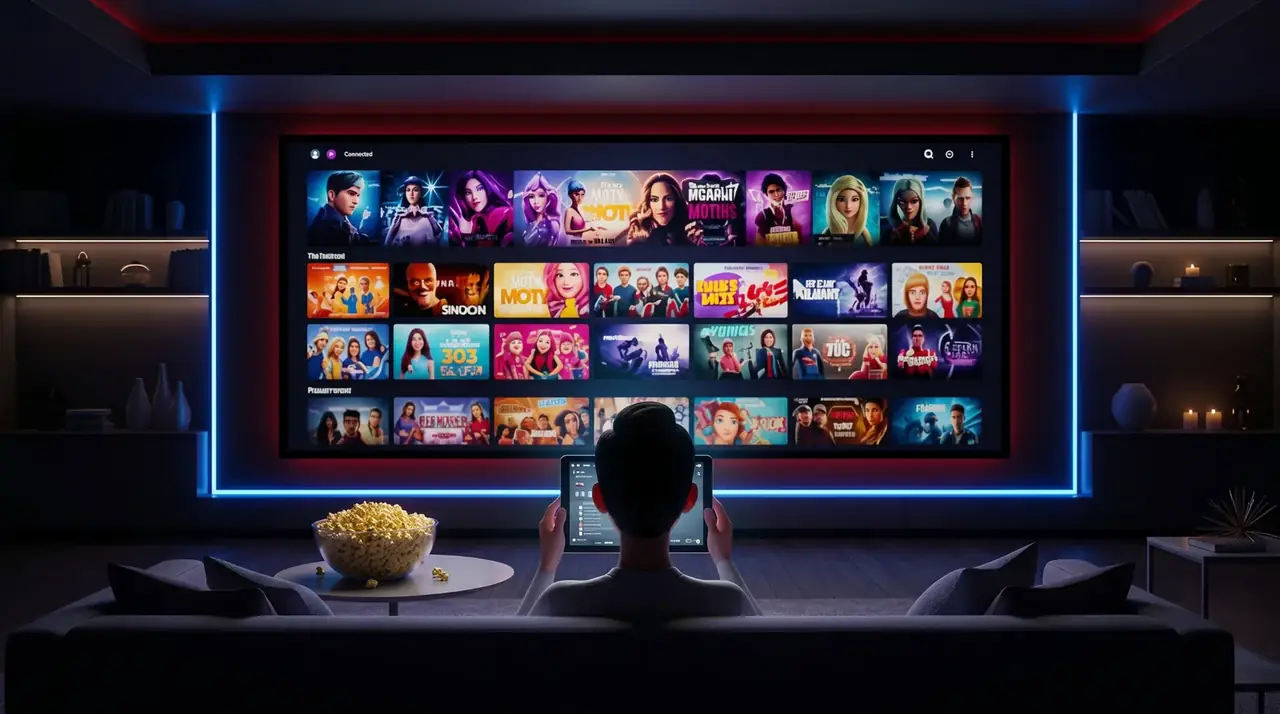
Simple and clear
Popcorn Club VIP keeps streaming simple for South African viewers. Compare video-on-demand and live TV package options, request a free trial, and receive email setup guidance for your supported device.
Enjoy access to reliable ZA channels, local entertainment and sports-focused content through affordable package options for South African viewers.
Enjoy a broad selection of movies and series on demand, plus live TV channels for everyday entertainment.
Watch new movies, trending series and popular content, and request specific movies or series you would like added.
Works on Smart TVs, Android boxes, phones, tablets and TV sticks, with friendly setup support to help you get started.
Clear information
Popcorn Club VIP provides package details, device guides, support information and policy pages so you can review the service before sending a request.
Read the Smart TV, Fire TV, mobile and Windows guides before choosing a compatible player.
Compare supported apps →Trial, package and setup requests are handled by email, giving you a written record of the information supplied.
Contact support →Review the terms, privacy, refund and support information before subscribing.
Read the policies →Free trial
No payment is required for the free trial. After submitting the form, please check your inbox and spam or junk folder for our reply.
Packages
Switch between monthly and yearly options, then choose the package that suits you best. Our Premium Full Package is only available as a monthly subscription.
Quick comparison
Use this overview before opening the enquiry form. Exact setup details are confirmed by email for your device.
| Package | Best for | VOD | Live channels | ZA premium access | Simultaneous users |
|---|---|---|---|---|---|
| VOD Only | Movies and series on demand | Yes | No | No | 1, with extra-user options available |
| Standard Full | VOD plus broad live-channel access | Yes | Yes | No | 1, with extra-user options available |
| Premium Full | Standard package plus premium ZA content | Yes | Yes | Yes | 2: one Standard and one Premium stream |
Reseller
Devices







Best IPTV apps guide
Compare trusted apps for Smart TVs, Android TV, Fire TV, phones, Apple TV and Windows, with official download links and login-format guidance.
Smart TV setup guide
Check Smart TV compatibility, learn the difference between Google TV, Samsung Tizen and LG webOS, and see when an external streaming device may be useful.
Fire TV & Android Box guide
Compare Fire TV and Android TV boxes, follow the basic setup process, improve connection quality and work through common device problems.
Phones & tablets setup guide
Set up Android phones, tablets, iPhone and iPad, compare Wi-Fi with mobile data and solve common mobile app problems.
Windows PC & laptop guide
Install a trusted compatible player, complete the setup, connect a laptop to a TV and solve common Windows app or network problems.
Internet speed & buffering guide
Learn the recommended speed for IPTV, compare Wi-Fi with Ethernet, understand common buffering causes and test your network correctly.
IPTV troubleshooting guide
Follow five simple diagnostic steps, understand what each result means and send support the information needed to identify the problem.
FAQ
VOD Only gives you movies and series only. Standard Full Package includes VOD plus live channels on the standard server. Premium Full Package includes the Standard Full Package plus access to the Premium server with ZA channels and local content, and allows two users to stream at the same time.
VOD stands for video-on-demand. It means you can choose movies and series from the library and watch them whenever you want instead of waiting for a live TV schedule.
The Standard Full Package includes movies, series and live channels on the standard server. It is suitable when you want both on-demand content and live TV access.
Premium Full Package includes everything in the Standard Full Package, plus access to the Premium server with ZA channels and local ZA content.
Popular supported devices include Smart TVs, Samsung Tizen, LG webOS, Android devices, iPhone and iPad, Apple TV, Fire TV and Windows computers.
The correct compatible player depends on your device. After you submit a trial request, support will email the relevant setup information.
Yes. Click Start Free Trial, complete the short form and support will email the information needed to get started.
A minimum line speed of around 15 Mbps is recommended, although a stable connection is more important than headline speed. Ethernet is preferred where possible.
You can install on multiple supported devices. Extra simultaneous users may require an additional user option depending on the package.
After you choose a package and submit the enquiry form, support will email the available payment and setup information. Review the details in that email before completing payment.
Email support at least 24 hours before your next payment is due if you want to cancel or change a package. The Refund Policy applies to payments already processed or late cancellation requests.
Trial availability and duration are confirmed by email because they can depend on the package, device and current trial capacity.
Email support
Send us your question and our support team will reply by email with package help, setup information or trial details.
Email-only support. Submit a request and our support team will reply with the next steps.
Email: info@popcornclub.vip
Get started
Complete the form below and our support team will email you the payment and setup information. Please check your inbox, spam and junk folders for our reply.